Fri Jul 25 2025
Prelude
It's a dark and stormy night in 2018.  I come up with a game idea–a horror game idea. In the game: you search through an abandoned office; you find one lone computer that's turned on; you must dig through the computer's files; and solve puzzles to find out what happened to everybody.
The game is supposed to start off 3D and will have a small 2D desktop exploration minigame. I create a new Unity project. I find Unity too slow of a development loop for me. I also really hate Unity's UI frameworks, it just fucking sucked  and a majority of the game was going to be in UI anyways. I give up on the game.
It's October, 2023. Halloween's just about to start. I want to make a horror game, it's been a long goal of mine. I narrow the scope, make it only about desktop exploration. I'd been using a monolithic repository for all my personal projects so I start my game in this repository.
Sketch Engine - The Personal Monorepo
For every project that I've done in the past: I've made a brand new folder, created a brand new repository, and went through the ritual of installing the exact same dependencies and packages. My old laptop ran out of space because of this. After working at Google and Notion, I was inspired to start a monolithic repository–monorepo for short.  It just means one repository for everything. One folder for every single one of your projects.
I highly recommend any creative coder to work on their own monorepo. This website you're on is basically a monorepo, as it hosts many of my different personal projects not just my personal website.
I understand monorepos have setbacks, (Google had many) but since I'm not a giant enterprise company and I'm just Henry the trade-offs are so much more beneficial:
- Don't have to re-install dependencies.
- No having to write boilerplate.
- Can re-use old components and code I write.
- Sub-benefit of this is I don't forget most of my code.
- Immediately start prototyping.
- Good for my hard-drive.
Now, in the beginning, everything was super simple. If I wanted to switch projects I would just edit the main index.jsx file and then swap out, say, <P5Sketch1 /> for <LastSeenOnline />. I thought about having a drop-down menu or some interface to switch between projects but I got lazy.
The monorepo began to grow with dependencies: webpack, THREE.js, p5, React, and TypeScript. It was set up with fast refreshing / hot module reloading, so you can instantly see your changes as soon as you save your file. Eat your heart out, Brett Victor.
After the monorepo, my productivity skyrocketed. I was making projects left and right and no longer stuck on setting up the projects.
Then came Last Seen Online.
A Small Project becomes Large
Last Seen Online is a horror puzzle game about searching through a girl's old computer, and it consumed my life. It was the only code I was writing for three months, and it took over 90% of the monorepo. It was initially a very tiny tiny game. I had the base game with a few puzzles done within the first week; but then the ball kept rolling and it grew immensely.
The fact that it was developed using web technologies with super good fast reloading meant I was developing this game at lightspeed. If you're designing a UI and you have to export corners of an image to create rounded corners in a UI then you are wasting your time. CSS gives you shadows, corners, blurring, gradients, and everything–dynamically and for free.
Look at how dynamic this shit is! 
The beautiful part of HTML is how dynamic it is, and how easy it is to grow and chance components in UI. Also *chefs kiss* I am in love with flex boxes. Screw pivots and anchors and layout elements. JUST GIVE ME FLEX BOXES.
Last Seen Online pushed this monorepo to the edge, and caused me to write:
- An animation / timeline system
- Music and sound fx handler
- Window management system
- Game resizing / rescaling handler
- Electron app packaging and publishing (For Steam Release)
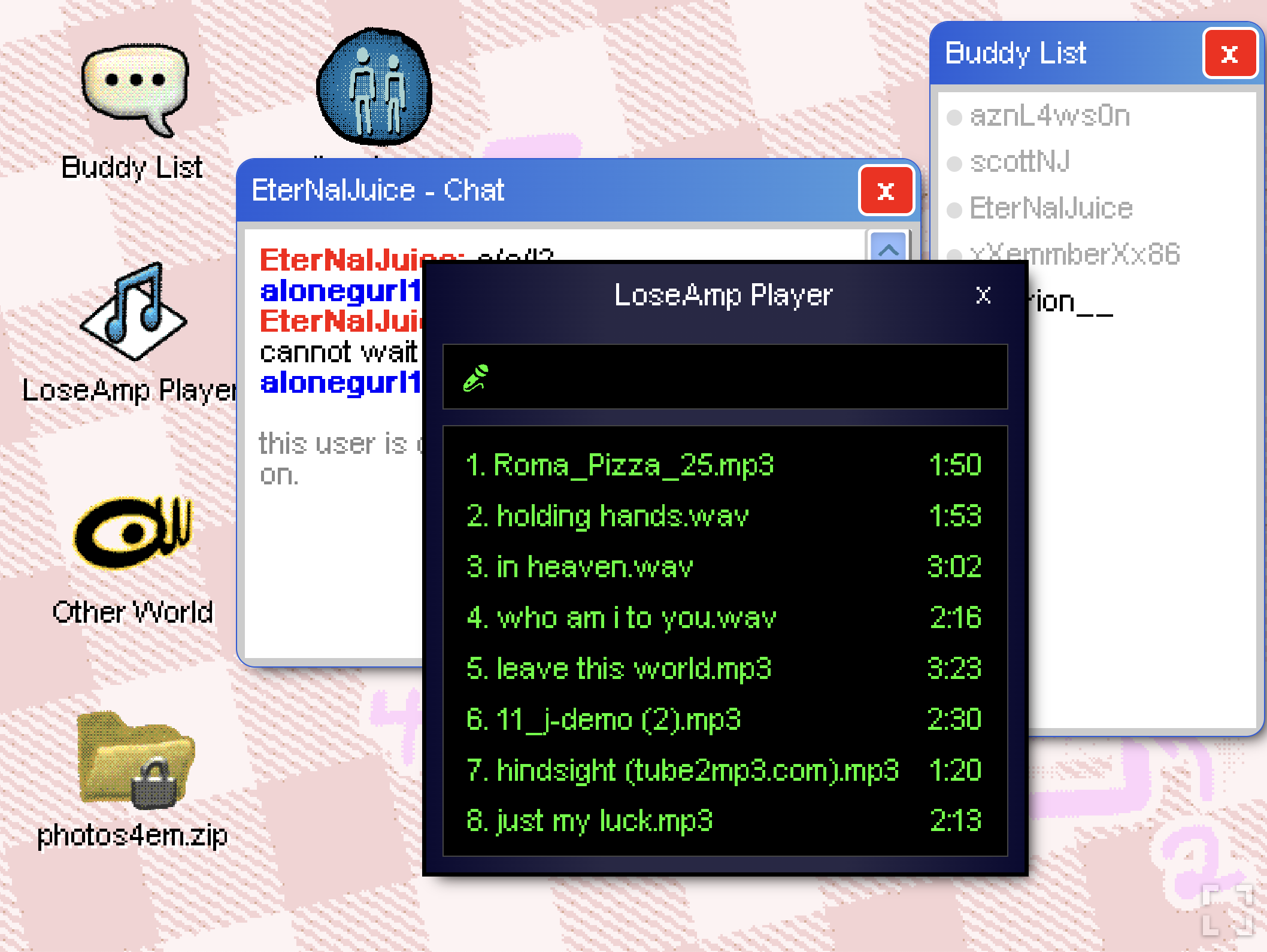
I always thought it was funny that neighboring Last Seen Online code was code for about 10 other unrelated personal projects.
Every single command to build and publish existed as an npm script in package.json
{
  "start": "NODE_ENV=development webpack serve",
  "build": "react-scripts build",
  "test": "npx jest",
  "eject": "react-scripts eject",
  "package-itch": "TARGET=server NODE_ENV=production bun src/assetCollector.js ; NODE_ENV=production webpack",
  "package-steam-osx": "rm -rf ${PWD}/electron/dist; TARGET=electron NODE_ENV=production webpack ; cp -r ${PWD}/dist ${PWD}/electron/dist ; APPLE_API_KEY="..." APPLE_API_KEY_ID="..." APPLE_API_ISSUER="..." electron-builder --project=./electron --config=../electron-builder.json --mac --universal",
  "package-steam-osx-dummy": "rm -rf ${PWD}/electron/dist; TARGET=electron NODE_ENV=production webpack ; cp -r ${PWD}/dist ${PWD}/electron/dist ; electron-builder --project=./electron --config=../electron-builder-dev.json --mac --universal",
  "package-steam-win": "rm -rf ${PWD}/electron/dist; TARGET=electron NODE_ENV=production webpack ; cp -r ${PWD}/dist ${PWD}/electron/dist ; electron-builder --project=./electron --config=../electron-builder.json --win portable --x64",
  "upload-to-steam": "./steam/upload_to_steam.sh",
  "electron": "concurrently --kill-others "TARGET=electron npm start" "NODE_ENV=development electron ./electron"",
}
Getting the Steam packaging and publishing is deserving of it's own blog post in the future.
Adding a Second Game
If you recall from earlier, I was switching between projects by editing the main file and swapping the main component being created. This was the exact same thing I was doing when I started my second project, And You'll Miss It. It was quite hacky and I felt like I could mess things up if I wasn't careful.
During the development of And You'll Miss It, I had to pause any updates for Last Seen Online for fear that I would push contaminated code or something buggy. I was also afraid that I would accidentally push And You'll Miss It to production instead of Last Seen Online. Development was very tiring and hacky trying to balance two massive projects.  It was like I was walking on eggshells. I was dreaming up some kind of build tool I could create that easily let me switch between projects as well as easily build electron apps for each project.
Within a month, I wrapped up AYMI, and then spent the next few months working on dev infra. I needed a better way to manage my personal projects.
Sk2tch - The Build Tool
At Google, we had a build tool called Blaze (or Bazel for OSS). This build tool has been adapted into Gradle and Please by Xooglers at other companies. It handles building and deploying projects in a monorepo, which lets you share and depend on the same code for different projects. I was thinking about switching to Bazel but I felt like it would be too heavy. I also hated using Bazel for docker images and kubernetes. I'll consider it in the future. Or not. SO INSTEAD... I created my own build tool called "sk2tch" (pronounced scooch, or sketch) that takes inspiration from Blaze.
Blaze reads from a BUILD file, which is pretty equivalent to a package.json file in Node Javascript world or webpack.config.js in webpack world. It describes what you're going to build and what it depends on. For me, this is a sk2tch.config.ts file.
import { Sk2tchConfig } from "sk2tch/cli/sk2tch.config";

const config: Sk2tchConfig = {
  // Written name for executables
  name: "Last Seen Online",
  // Short name with no capitals / symbols
  code: "lastseenonline",

  // React App
  entry: "./index.tsx",
  output: "./dist",

  // Electron / Favicon
  icon: "./assets/icon.png",

  analytics: {
    googleTag: "...",
  },

  // Electron, publishing on steam, or as osx app.
  releasing: {
    appId: "com.lastseenonline",
    osx: {
      appleApiKey:
        "...",
      appleApiKeyId: "...",
      appleApiIssuer: "...",
    },
    steam: {
      username: "henrytran123",
      appId: 2800000,
      depots: {
        osx: 2800001,
        win: 2800002,
      },
    },
  },
};
export default config;
The CLI is also meant to be easily remembered by a human being:
To create a development build:sk2tch dev ./path/to/gamesk2tch dev ./path/to/game --servesk2tch build web ./path/to/gamesk2tch build win ./path/to/gamesk2tch build app ./path/to/gamesk2tch electron ./path/to/gamesk2tch publish steam ./path/to/gameIt's pretty versatile in that it can produce static websites, a server/client website, or an electron app.
So it's a bit up for debate whether or not this is an actual game engine or if it's actually a build tool. The graphics are handled by Three.JS, the physics are handled by Ammo, and the sound is handled by a mix of Howler.js and Tone. But I'd like to think of it as a game engine  because it's main goal is for me to very easily create and publish games.
I've kept the spirit of the original monorepo alive, but now with proper project separation. I can easily share code between projects (although I try my best not to do this) and easily create distributables for the different projects.
As I continue to create more and more personal projects using sk2tch, it has grown in features! A list of non-game projects so far that's powered by sk2tch:
- Doorbell app that allows you to upload your picture and control a butterfly on the backdrop of a concert. (Below is a video where butterflies projected on the wall are controlled using the phone by audience.)
- Arcade game launching system to manage launching and force-quitting windows applications.
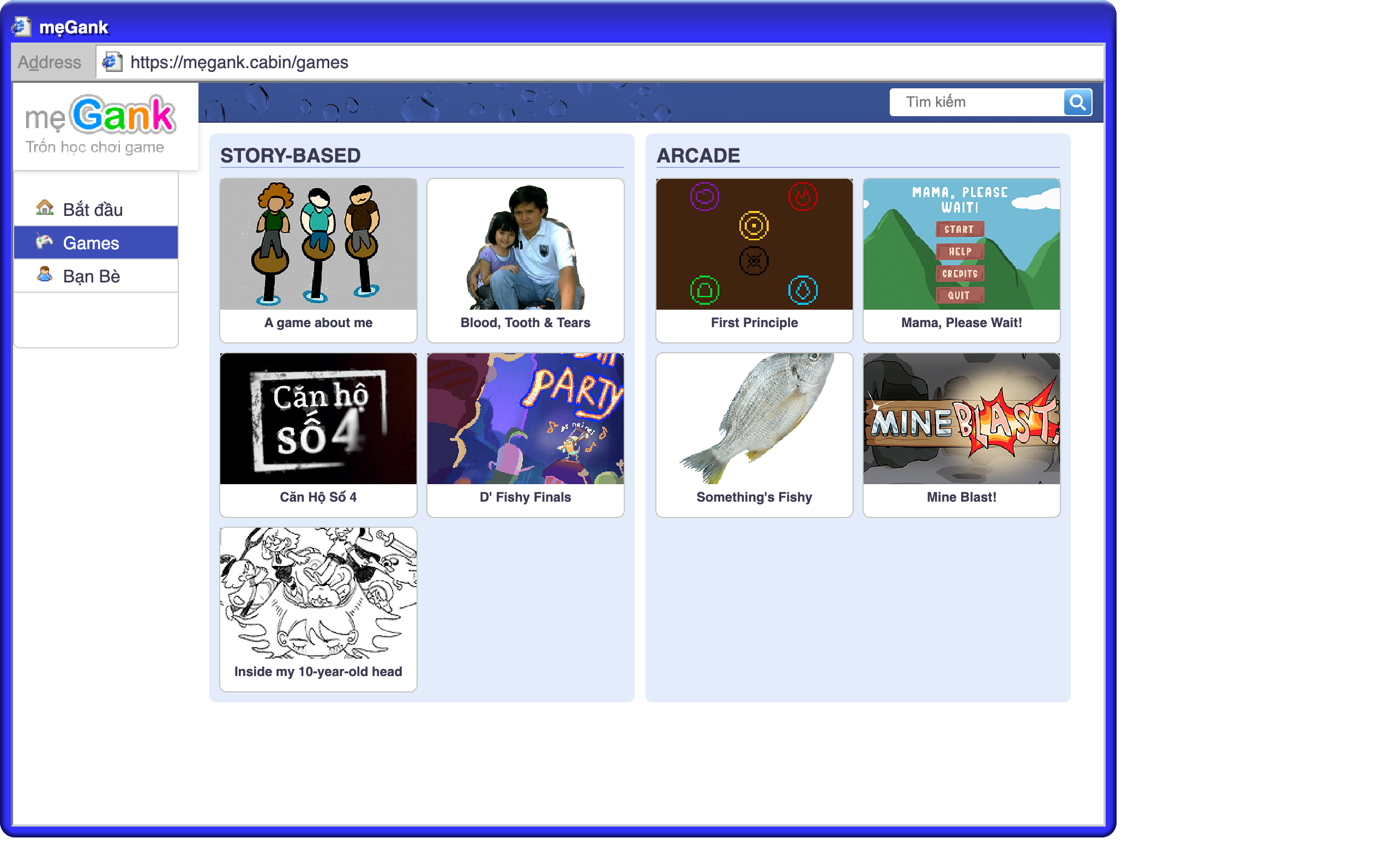 Since its a website, I added a page you can click on that gives you the history of the internet and intert coffee shops in Vietnam. More on this project in a later blog.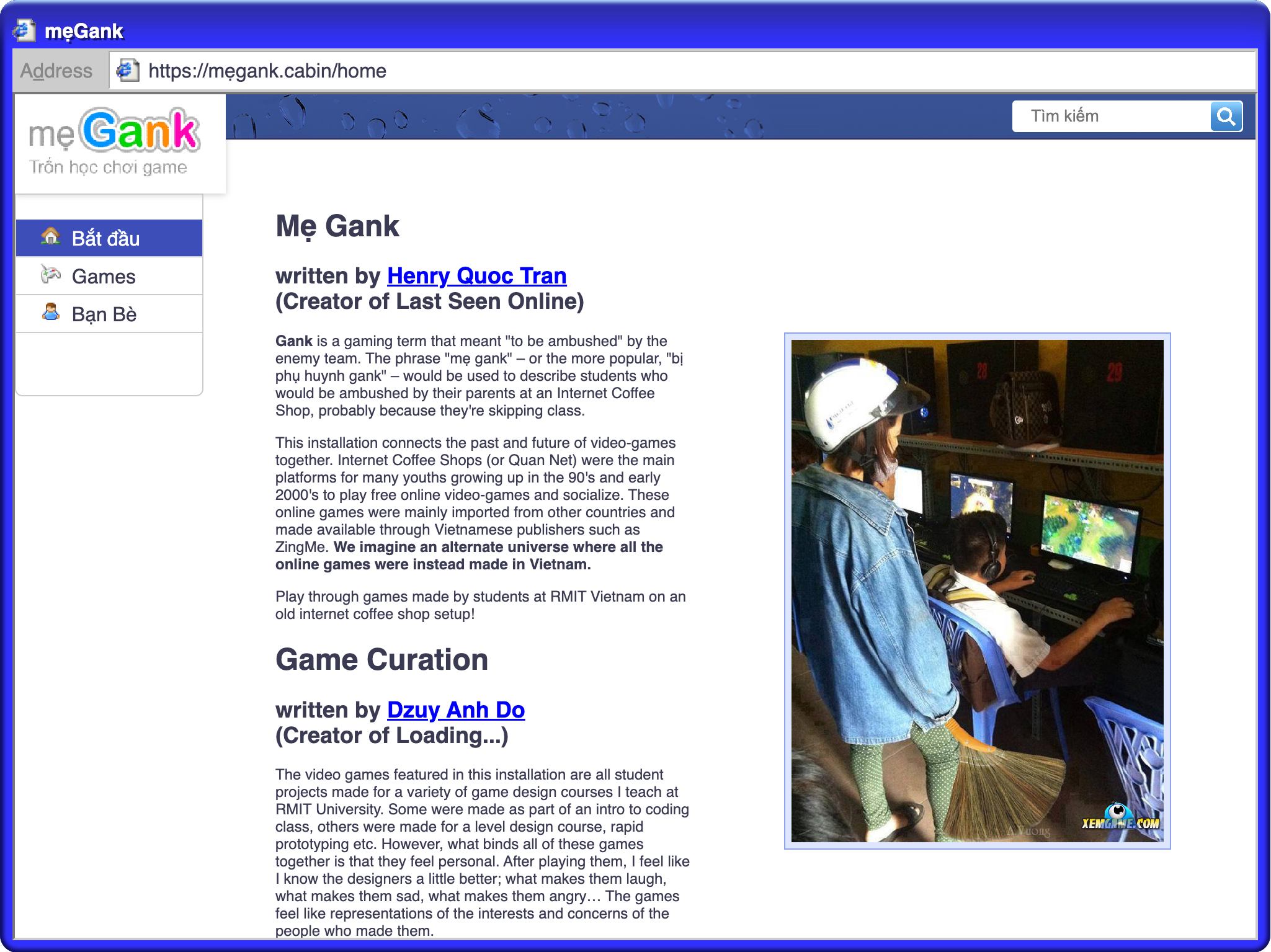
- A human bingo web app where you have to meet people with a story that matches a square on a digital bingo sheet.
- VJing using mediapipe and hand-tracking.


- A multiplayer online game using websockets.
You're not going to believe it but this website is a branch of sk2tch – however I decided against keeping them the same repository. They do share a lot of the same dev infra code.
Future of Sk2tch
I think sk2tch is really really useful and can help jumpstart people into making apps. It's very much like create-react-app but targeted towards production and creative coders.
I'm starting to pull out major components in sk2tch into it's own project. I've built my own animation framework. (Not the first time I've built animation software.) I've also built a react-based sound mixer that looks like this:
<SoundPanVol name="master">
  <SoundPanVol name="music">
    <SoundSampleCatch>
      <SoundSample
        name="dialup"
        src={require("../assets/music/dialup.mp3")}
      />
      <SoundSample
        name="beep"
        src={require("../assets/music/beep.mp3")}
      />
    </SoundSampleCatch>
  </SoundPanVol>
</SoundPanVol>
I think a lot of these features don't have to be tied to Sk2tch and can be used by other people. I just need to write proper tests and then figure out a good system on how to publish subsections of a repo to npm.
I'd love to add more testing to the engine, generate documentation, write down standards and conventions, and iron out any weirdness. It's certainly not ready for anyone else to use at all. But if you really want to dig through it, sk2tch is open-source. BUT DON'T USE IT EXPECTING IT TO BE SUPER NICE 
When I have time, I'll also publish a sample project using sk2tch so that people can easily get started with it.
This engine has pretty much been my pet for the last 2 - 3 years. I think it's got my insanity embedded into it's code. Linus Torvald has Linux, Jonathan Blow has Jai, Terry Davis has TempleOS, and I have Sk2tch.
< Go back to Dev Blogs